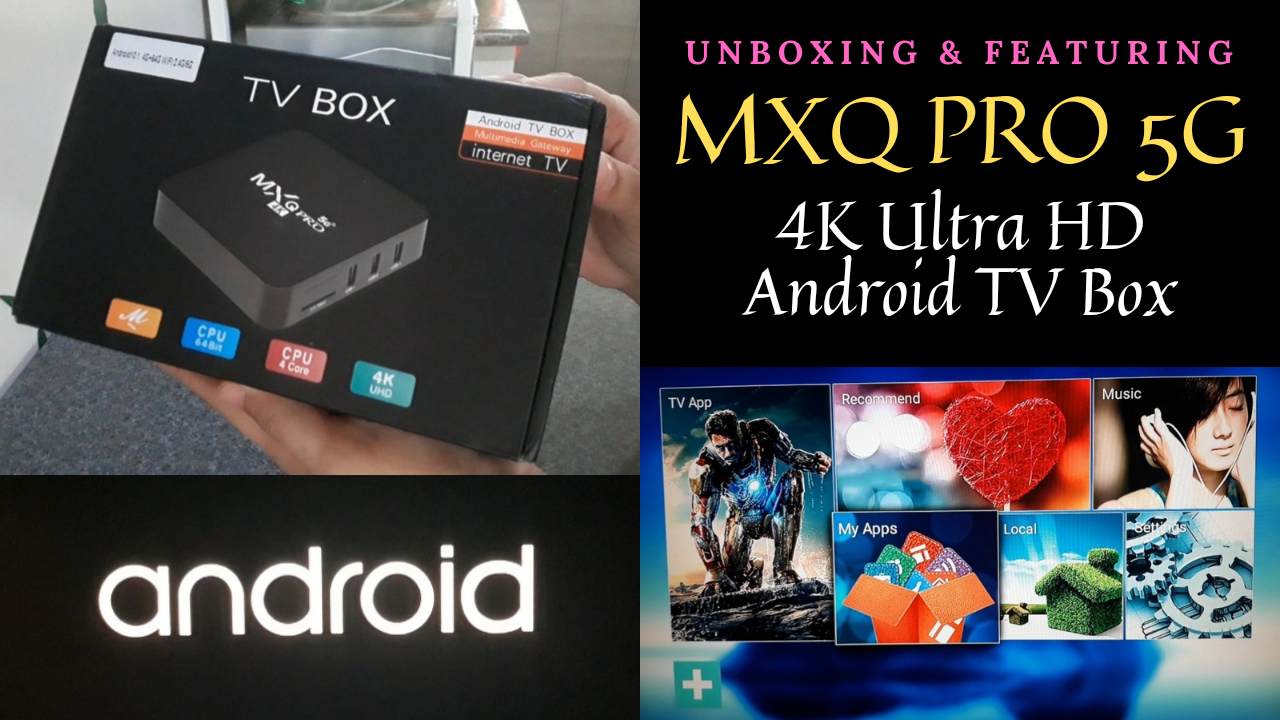
In this video, I shared the simple steps on how I set up MXQ Pro 5G 4k Ultra HD Android TV Box and also featured some of the channels and functions that I am now enjoying for free because of this.
AFFILIATE DISCLOSURE: This post is not sponsored. However, it may contain some affiliate links. If you purchased something through one of those links, I would get a small commission which would help me maintain this blog.
You can watch the video version of this article here:
I decided to have my cable subscription cancelled last year because of poor Customer Service.
We’ve been out of service for over a month but nobody was providing any assistance despite the multiple requests and follow throughs.
It wasn’t right considering that they continued charging me for the service which I wasn’t enjoying.
That’s why although I was a bit half-hearted, I finally called it quits.
Luckily, there are Android TV Boxes available online which can turn my regular TV into a Smart one and allow me to watch shows and movies even without paying for monthly subscription.
I bought this MXQ Pro 5G 4k Ultra HD Android TV Box because of the positive reviews, not to mention that it’s affordable.
Where to Buy?
Click this link to go to the shop: MXQ Pro 5G 4k Ultra HD Android TV Box
For more stories and information please:
– click Pieces to see all the articles in this blog
– like Piece of Mind Facebook Page
– subscribe to my SimpliciTine YouTube channel


